Home » Support and Guides » Digitize Family Photos in Afternoon
How to Digitize and Organize a Year of Family Photos in One Afternoon (and When to Hire Help)

Max I
April 19, 2026
Digitize Family Photos in Afternoon
How to Digitize and Organize a Year of Family Photos in One Afternoon (and When to Hire Help)
Picture this: You’ve pulled out a shoebox of family photos from last year. You dive in, scanning one by one, only to quit after 30 minutes. Exhausted and buried in chaos, the project stalls for months. That’s the common mistake—thinking digitization means endless hours of drudgery.
The Core Problem: Overwhelm from Disorganization
The myth says sorting thousands of photos is impossible in an afternoon. Reality? It’s doable if you tackle the root issue: lack of a simple system. Without one, photos pile up digitally, just like physically. But a structured approach changes everything.
Solution 1: Quick Physical Sort
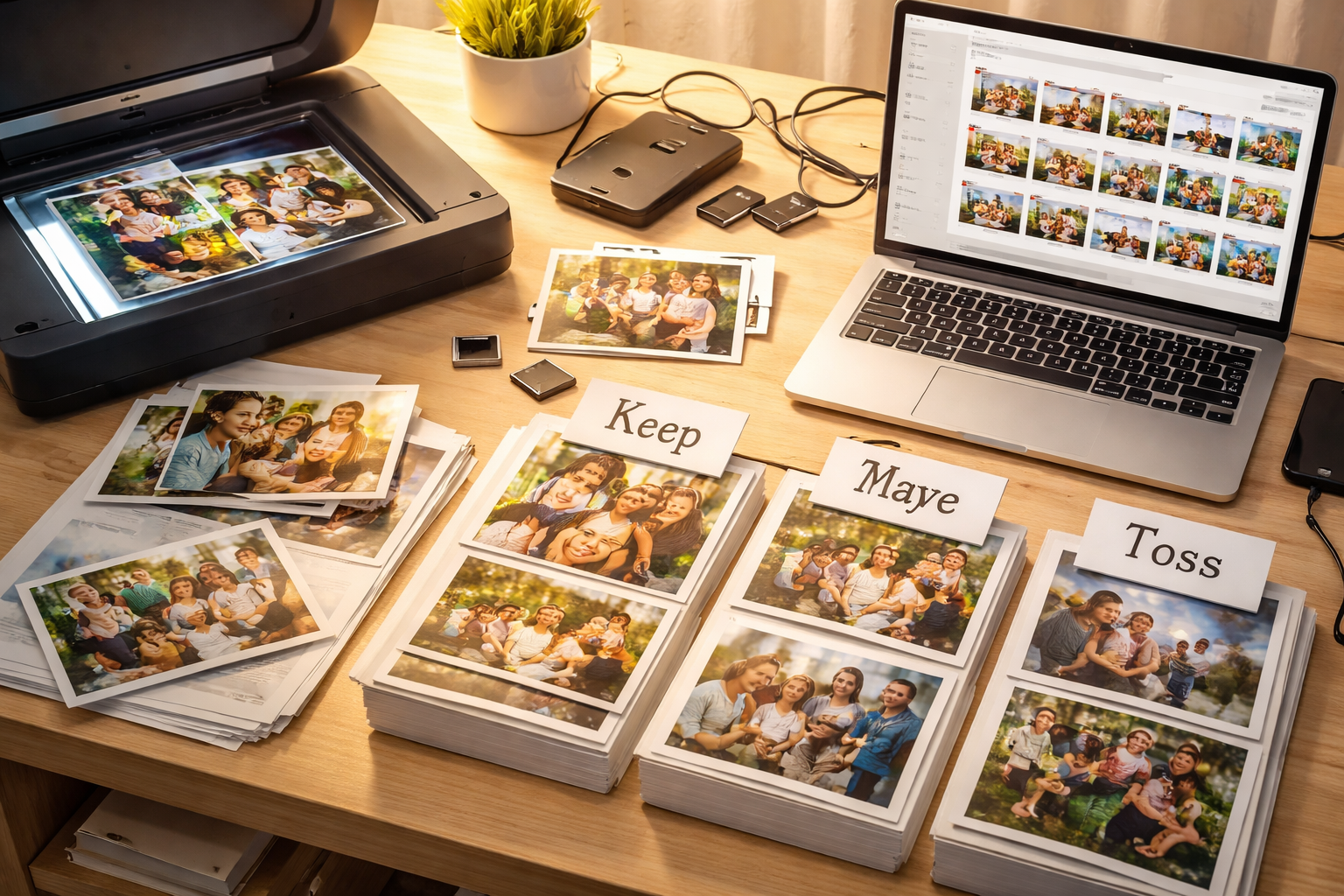
Grab three piles: Keep, Maybe, Toss. Flip through photos fast—10 seconds each. Aim for events or themes, like “Vacation” or “Birthdays.” This takes 30 minutes and cuts your stack by half. Now you’re focused.
Solution 2: Batch Scanning for Speed
Use a flatbed scanner with a lid that holds multiple photos. Scan in batches of 4-6 at 300 DPI. Apps like PhotoScan by Google fix glare automatically. Do 20-minute bursts. You’ll cover hundreds without burnout.
Solution 3: Smart Digital Organization
Import to folders by month or event. Rename files simply: “2023-07-FamilyBBQ-001.jpg.” Use free tools like Google Photos for AI tagging and search. Back up to the cloud. Done—searchable memories in under two hours.
When to Hire Help Instead
If your collection spans decades or tech frustrates you, outsource it. Post a task on TASK4YOU for scanning pros or IT helpers. They handle the heavy lifting affordably, so you reclaim your afternoon.
Don’t let myths win. Pick one afternoon, follow these steps, and preserve your memories today. Your future self—and family—will thank you. Start now.