Home » Support and Guides » Create a One-Page Media Kit Fast
How to Build a One‑Page Media Kit in 60 Minutes

Max I
March 30, 2026
Create a One-Page Media Kit Fast
How to Build a One-Page Media Kit in 60 Minutes
You’re a small business owner. A potential partner emails: “Send your media kit.” Your heart sinks. You have no polished one-pager ready. Sound familiar?
This is the core problem. Building a media kit from scratch steals hours. You need stats, photos, and design. But who has time? It blocks opportunities.
Solution 1: Grab a Template (15 Minutes)
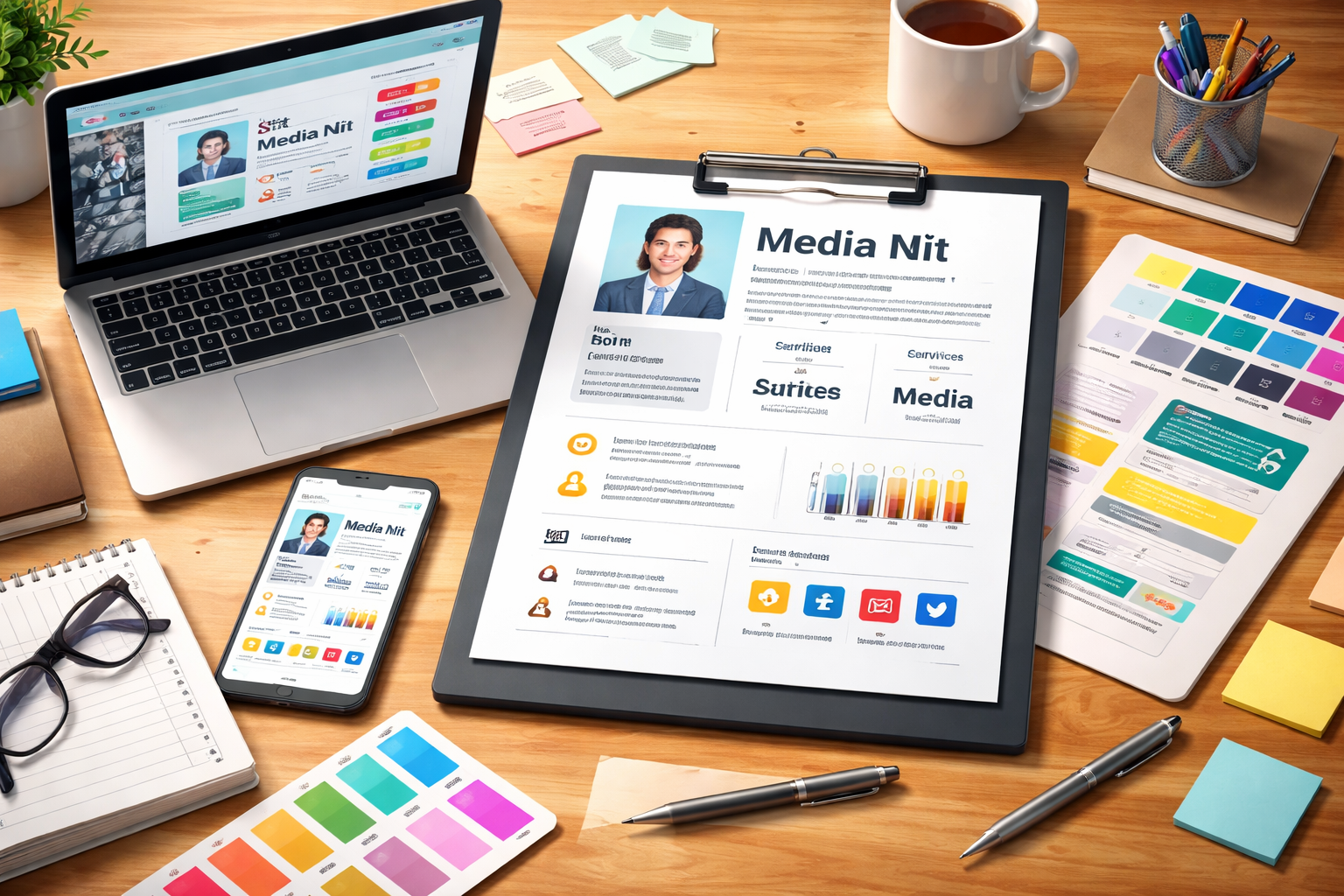
Start fast. Search “free one-page media kit template” on Canva or Google. Pick a clean, modern one. It has placeholders for your bio, stats, and services.
Download it. Open in Canva, Google Docs, or PowerPoint. No design skills needed yet. This skips the blank-page stare.
Solution 2: Fill Your Key Stats (20 Minutes)
List essentials. Add your name, headshot, one-line bio, audience size, and top achievements. Include rates and testimonials.
Keep it tight. Use bullet points. Focus on what partners care about: reach, results, unique value. Numbers sell. Done.
Solution 3: Polish and Export (25 Minutes)
Customize colors to match your brand. Add icons for pop. Proofread twice. Export as PDF.
Struggling with visuals? Hire a graphic designer fast. Post the task on TASK4YOU. Pros bid quickly, often under budget.
You now have a pro media kit. Pitch confidently. Opportunities wait. Act today—60 minutes changes everything.